


Buffering in the middle of load shedding recovery is bad enough. Buffering because your internet cannot keep up? That is just unnecessary. Here is everything you need to know about what each streaming platform actually requires, and how to make sure your connection handles it without breaking a sweat.
Key Takeaway: Every major streaming platform needs 5 Mbps for Full HD and 15-25 Mbps for 4K per stream. In a multi-device South African household, that adds up fast. The right fibre package on the Vuma Reach network, with Netflix Open Connect peering, keeps every screen running smoothly.
5 Key Points: Streaming Internet Speed in South Africa
- A single 4K stream needs 15-25 Mbps depending on the platform. Most SA households run two or three streams at once, so you need to multiply accordingly.
- Netflix Open Connect peering on the Vuma Reach network means Netflix content is served locally, reducing buffering and freeing up international bandwidth.
- Infini-fi also benefits from strong local routing to major streaming and everyday internet platforms, which helps reduce unnecessary buffering and delays.
- Your Wi-Fi setup matters as much as your speed. The 5GHz band and ethernet connections deliver better streaming performance than 2.4GHz.
- An uncapped fibre package gives you more freedom for regular streaming without worrying about running into mobile-style data limits.
What Each Platform Actually Requires
South Africans stream a lot. Between Netflix dropping new seasons, Showmax owning the local content game, and Disney+ keeping the kids occupied on a Saturday morning, most households are running at least two or three of these platforms. Some of you are running all of them at the same time across different screens. No judgement. We get it.
But here is the thing: each platform has its own speed requirements depending on what quality you are watching in. And if your fibre package is not up to the task, you end up with grainy video, constant buffering, and that awful moment where you miss the plot twist because the stream decided to pause for thirty seconds.
Let us break down exactly what you need.
Every streaming service publishes minimum speed recommendations. The numbers below are per stream, so if two people are watching different things on different devices, you need to double up.
| Platform | SD (480p) | HD (720p) | Full HD (1080p) | 4K Ultra HD |
|---|---|---|---|---|
| Netflix | 1 Mbps | 3 Mbps | 5 Mbps | 15 Mbps |
| Showmax | 2 Mbps | 3 Mbps | 5 Mbps | 12 Mbps |
| Disney+ | 1.5 Mbps | 3 Mbps | 5 Mbps | 25 Mbps |
| YouTube | 1.1 Mbps | 2.5 Mbps | 5 Mbps | 20 Mbps |
| Apple TV+ | 2 Mbps | 3 Mbps | 6 Mbps | 25 Mbps |
| Amazon Prime | 1 Mbps | 3 Mbps | 5 Mbps | 15 Mbps |
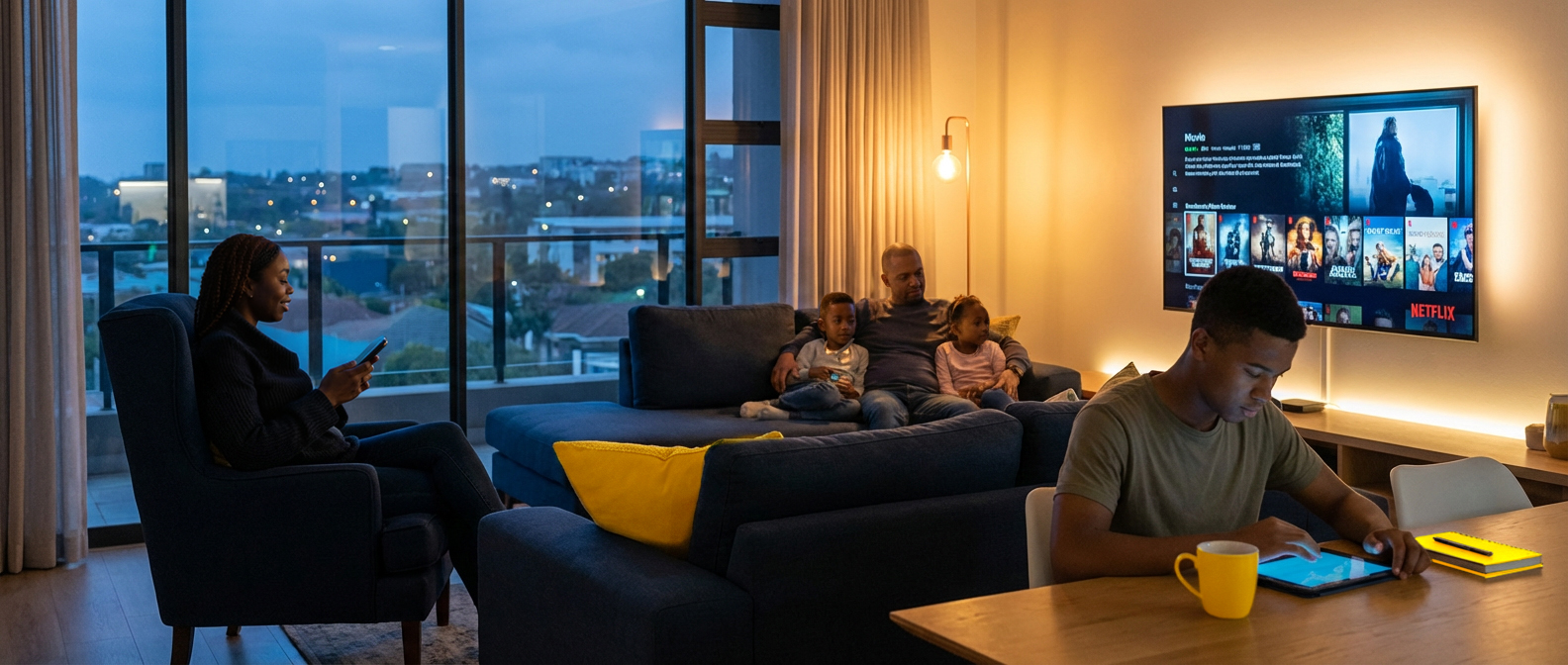
These numbers look manageable on their own. Five megabits for Full HD? Easy. But now picture a Tuesday evening in a typical South African home. Someone is watching Showmax on the TV. Another person is halfway through a Netflix series on their laptop. A kid is streaming YouTube on a tablet. And someone else is on a video call in the study.
Suddenly you need 20-30 Mbps just for the streaming, before you have even accounted for the video call, the WhatsApp messages flying around, and the smart doorbell recording someone at the gate.
That is where your fibre package either steps up or falls apart.
Why Your Netflix Experience on Infini-fi Is Different
Here is something most people do not know about, and it makes a genuine difference to your streaming quality.
Infini-fi runs on the Vuma Reach network, which is part of the Maziv Group infrastructure. Through Maziv, Infini-fi has direct peering with Netflix through the Netflix Open Connect programme.
In plain English? Netflix has placed servers directly within the network infrastructure that your fibre connection runs on. So when you hit play on Stranger Things or that documentary you keep meaning to finish, the video data does not travel from a server in another country, bounce through multiple networks, and eventually find its way to your router. It comes from a server that is practically next door, within the same network your Infini-fi connection lives on.
What does that mean for you day-to-day?
Less buffering. Content loads faster because the data has less distance to travel.
Better video quality. Your stream is more likely to stay in HD or 4K because the connection to Netflix servers is more stable.
Does not eat your international bandwidth. This is the big one. Because Netflix content is served locally within the network, it does not compete with your other internet traffic that needs to reach international servers. Your gaming session, your work VPN, your Zoom calls: none of that gets squeezed because someone else in the house is bingeing a series.
Infini-fi also benefits from direct peering with Google (which covers YouTube) and Meta (covering WhatsApp, Instagram, and Facebook). So the three platforms South Africans use the most are all served with local, low-latency connections.
This is not something every ISP can offer. It is a genuine infrastructure advantage that comes from being on the Maziv network, and it is one of those things you do not appreciate until you have lived with the alternative, watching your connection struggle every evening as half the country tries to stream at the same time.
Quick Tips for Better Streaming
Even with the right package, a few things can make or break your streaming experience:
Use the 5GHz Wi-Fi band. Your router broadcasts on two frequencies. The 5GHz band is faster and less congested, ideal for streaming. The 2.4GHz band reaches further but is slower. Connect your streaming devices to 5GHz whenever possible.
Plug in with ethernet if you can. A wired connection to your smart TV or streaming box will always be more stable than Wi-Fi. If your TV is near the router, a simple ethernet cable eliminates Wi-Fi interference entirely.
Close what you are not using. That laptop in the corner running updates in the background? The tablet auto-playing videos nobody is watching? Every device and app chews bandwidth, even when you are not actively looking at it.
Position your router properly. Central location, off the floor, away from walls and microwaves. It sounds basic, but the number of people who keep their router in a cupboard and wonder why their bedroom TV buffers is higher than you would think.
Frequently Asked Questions
How much internet speed do I need for Netflix in South Africa? Netflix recommends 5 Mbps for Full HD (1080p) and 15 Mbps for 4K Ultra HD per stream. If two people stream simultaneously, double those numbers. A 50 Mbps Infini-fi package comfortably handles a household with two to three concurrent streams.
Does Showmax need more speed than Netflix? For Full HD, both need about 5 Mbps per stream. For 4K, Showmax actually needs less (12 Mbps vs Netflix at 15 Mbps). The real difference comes down to how many screens are running at once in your household.
Why does my streaming buffer even though I have fibre? Buffering on fibre is usually a Wi-Fi issue, not a speed issue. Try connecting to the 5GHz band, moving closer to your router, or using a wired ethernet connection. Also check whether other devices are using bandwidth in the background.
What is Netflix Open Connect and does it help in South Africa? Netflix Open Connect places content servers directly inside ISP networks. Because Infini-fi runs on the Vuma Reach (Maziv) network with Netflix Open Connect peering, Netflix content is served locally rather than pulled from overseas. This means faster loading, less buffering, and no impact on your international bandwidth.
Can I stream on multiple devices at the same time with Infini-fi? Yes. Every Infini-fi package is unlimited and uncapped. The number of simultaneous streams depends on your package speed. At 50 Mbps you can run two to three HD or one 4K stream comfortably. At 100 Mbps or above, multiple 4K streams run without any issues.
How Much Speed Do You Need for Streaming?
As a general guide, one HD stream is usually manageable on a modest fibre line, while 4K and multiple simultaneous streams need more headroom. The right package depends on how many people are streaming at once, what quality they watch in, and what else is happening on your home connection at the same time.
If your household regularly combines streaming with video calls, gaming, downloads, or smart-home devices, it is worth choosing a package with extra breathing room rather than shopping only by the cheapest speed on paper. Check our deals page for current packages and availability.
Related guides: Knowledge Hub, What Speed Do I Need?, How to Fix Slow Wi-Fi at Home, Fibre Internet FAQs, Deals.
Ready for the next step?
Find a deal that suits your lifestyle, or head back to the Knowledge Hub for more fibre help, FAQs and practical advice.